Everything your shop needs to run the week
Start with the rota and switch on the rest when you need it.
Staff rota planner
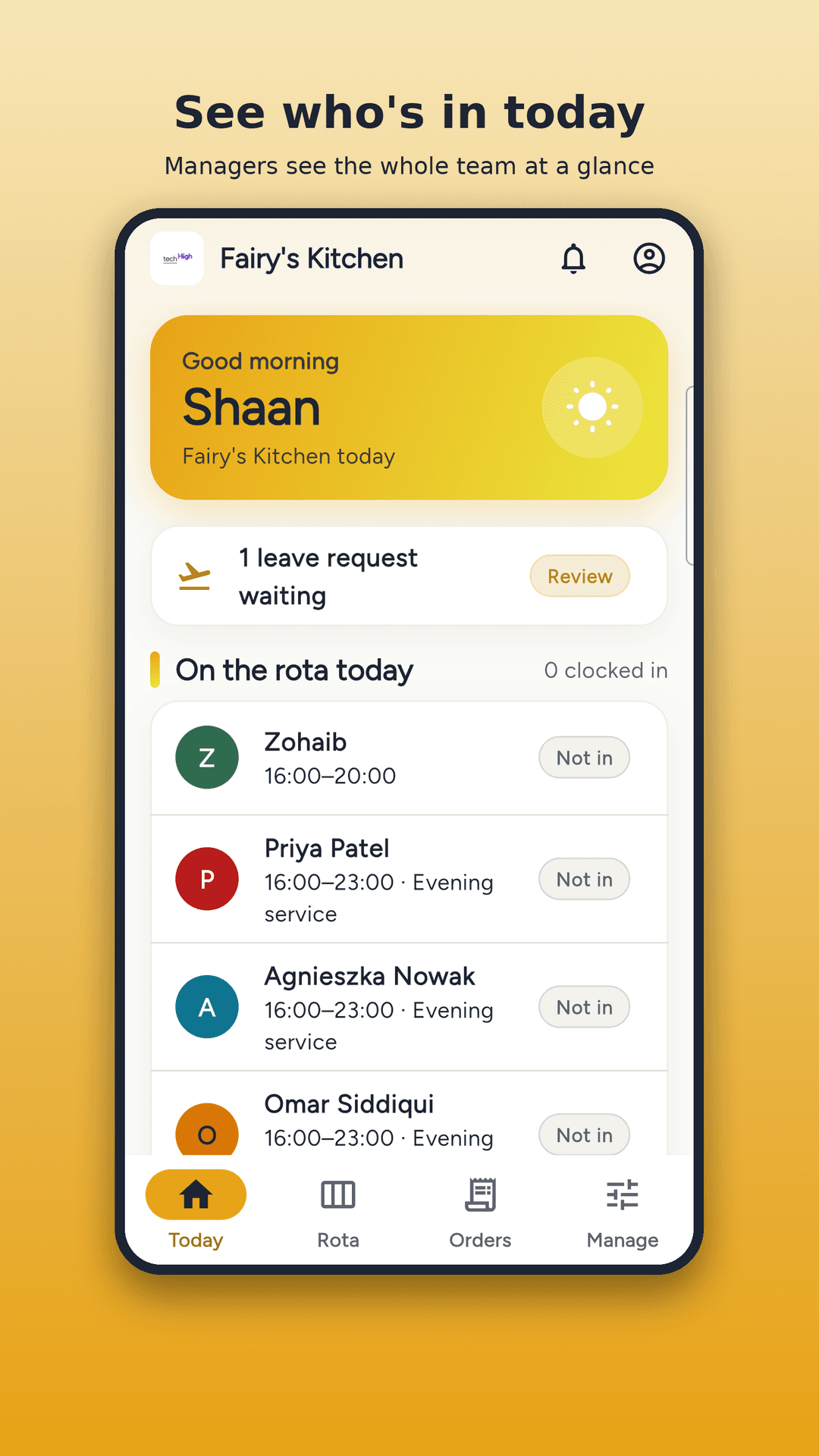
Add shifts, copy last week and publish. Everyone sees the rota on their phone and gets a notification when it changes.
Clock-in by location
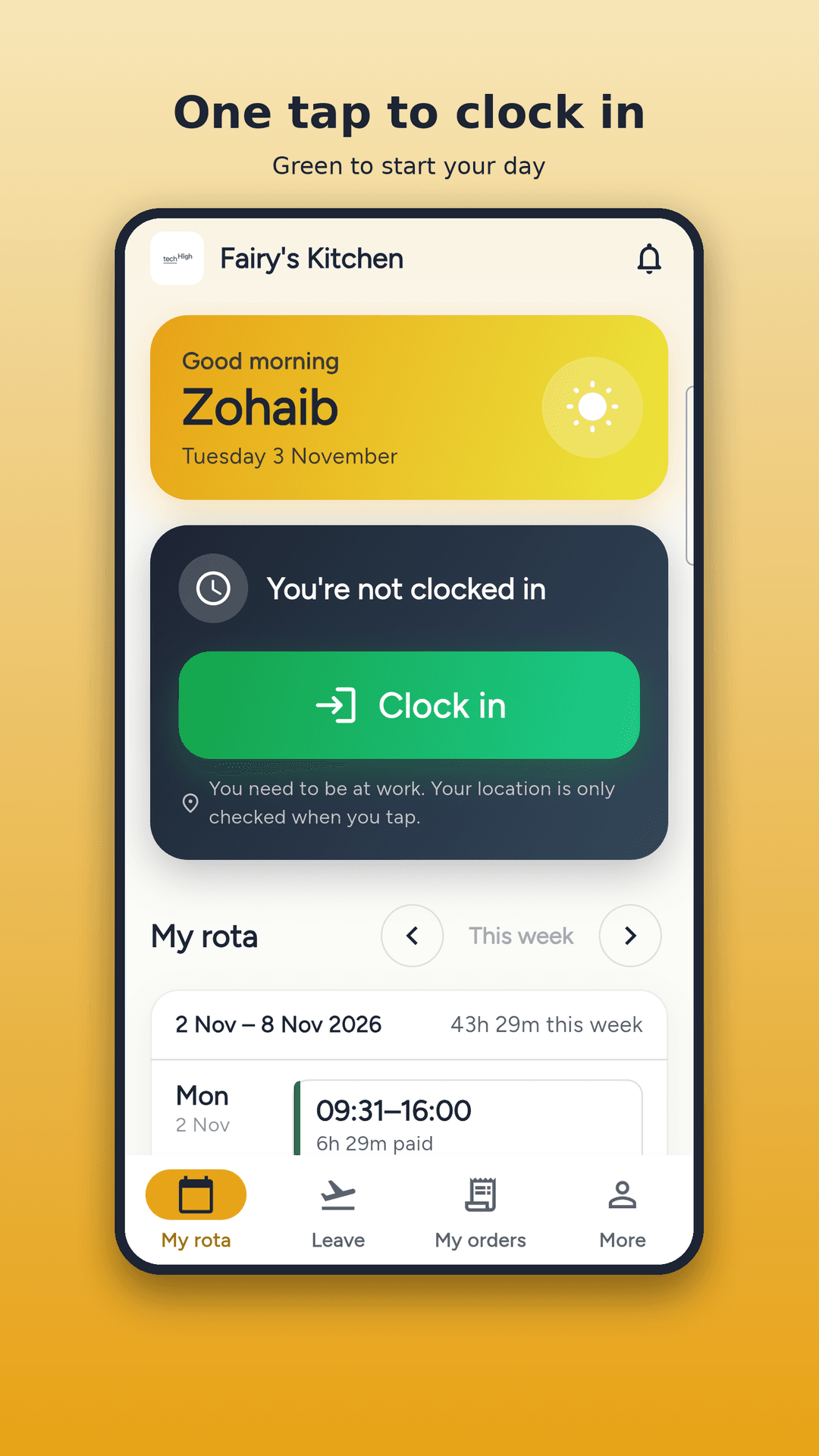
Staff clock in and out with one tap. RotaDesk checks they are at the shop, so the hours you pay for are real.
Leave and days off
Staff ask for leave from their phone. You approve or decline, and the rota keeps up.
Timesheets and payroll
Hours, breaks and overtime add up by themselves. Export them for payroll when the week is done.
A till that's easy
Take sales on a simple till with receipts, stock and daily sales reports.
Catering orders and kitchen
Book catering orders, assign them to staff and get a prep sheet of what to cook each day.
Daily task lists
Give each person their jobs for the day and see them ticked off.
In your team's language
Each person uses RotaDesk in their own language, including English, Urdu, Arabic, Hindi, Bengali and Polish.
Up and running in three steps
- 1
Create your business
Sign up, add your shop's address and choose how close staff must be to clock in.
- 2
Add your team
Add each person with an email and password. They can sign in on their own phone straight away.
- 3
Publish the rota
Add shifts and press Publish. Staff see their week and clock in when they arrive.
Made for busy places with shift staff
- Restaurants
- Cafés
- Takeaways
- Catering kitchens
- Shops
Common questions
What is RotaDesk?
RotaDesk is staff rota and time-tracking software for restaurants, cafés, takeaways and shops. It puts the weekly rota, clock-in, leave, timesheets, a till and catering orders in one place.
How does clock-in by location work?
Staff tap Clock in on their phone. RotaDesk checks their location once, at that moment, to confirm they are within the distance you set from the shop. It does not follow them during the day.
What do my staff need to use it?
Only a phone, tablet or computer with a web browser. You create their login, so there is nothing for them to set up.
Which languages does RotaDesk support?
21 languages, including English, Urdu, Arabic, Hindi, Bengali, Polish, Spanish, Portuguese, Turkish and Chinese. Each person chooses their own, and Urdu and Arabic read right to left.
Is my business's data private?
Yes. Each business's data is kept separate and only the people you add can sign in. RotaDesk shows no adverts and does not sell data.
How do I get started?
Press Start free, create your business and add your first shift. If you get stuck, email support@techhigh.co.uk and we will help.
Ready to sort out this week's rota?
Create your business and publish your first rota today.
Start free